- Free shipping on every order
- 30-day returns
- ★ 4.3 from 854 reviews
- 12-month warranty


How can we help?
Most things are fixed in a minute. Pick what’s going on, or learn the basics below.
Three steps. No app.
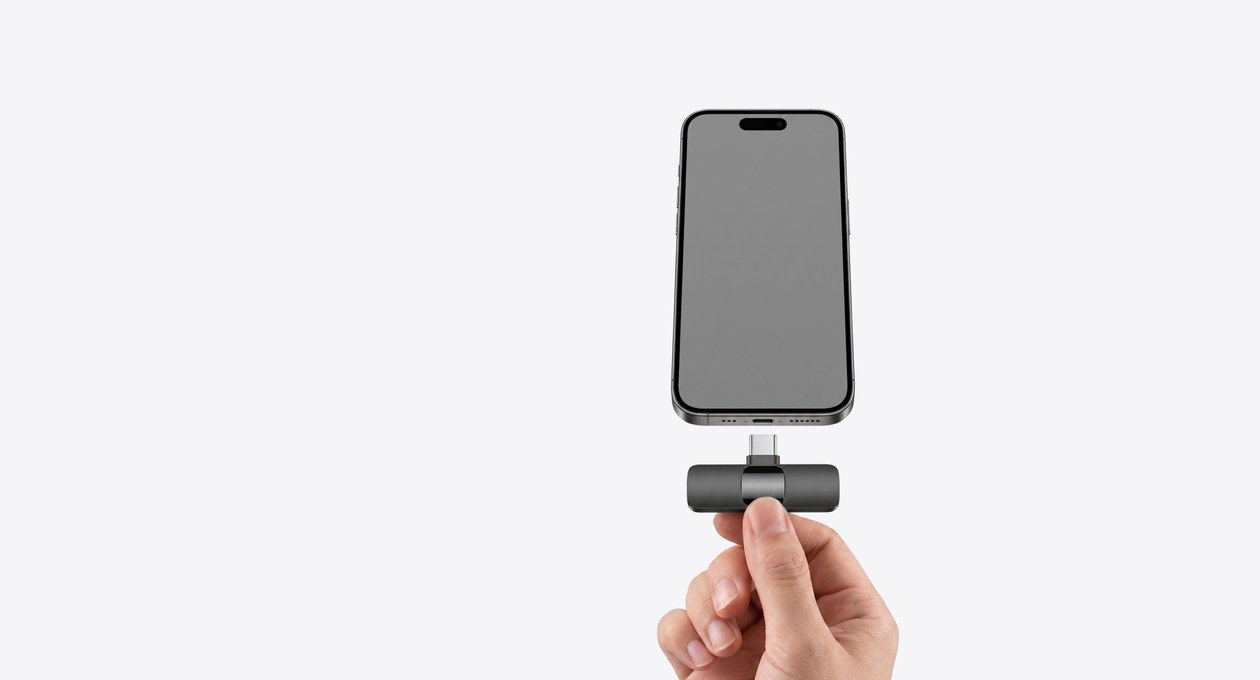
No Bluetooth and no download. The receiver plugs into your phone, tablet or laptop, and the mics connect to it on their own. The receiver never needs charging.
Step 1
Plug in the receiver
USB-C straight in. On older iPhones and iPads, attach the Lightning adapter first. On Android, turn on OTG.
Step 2
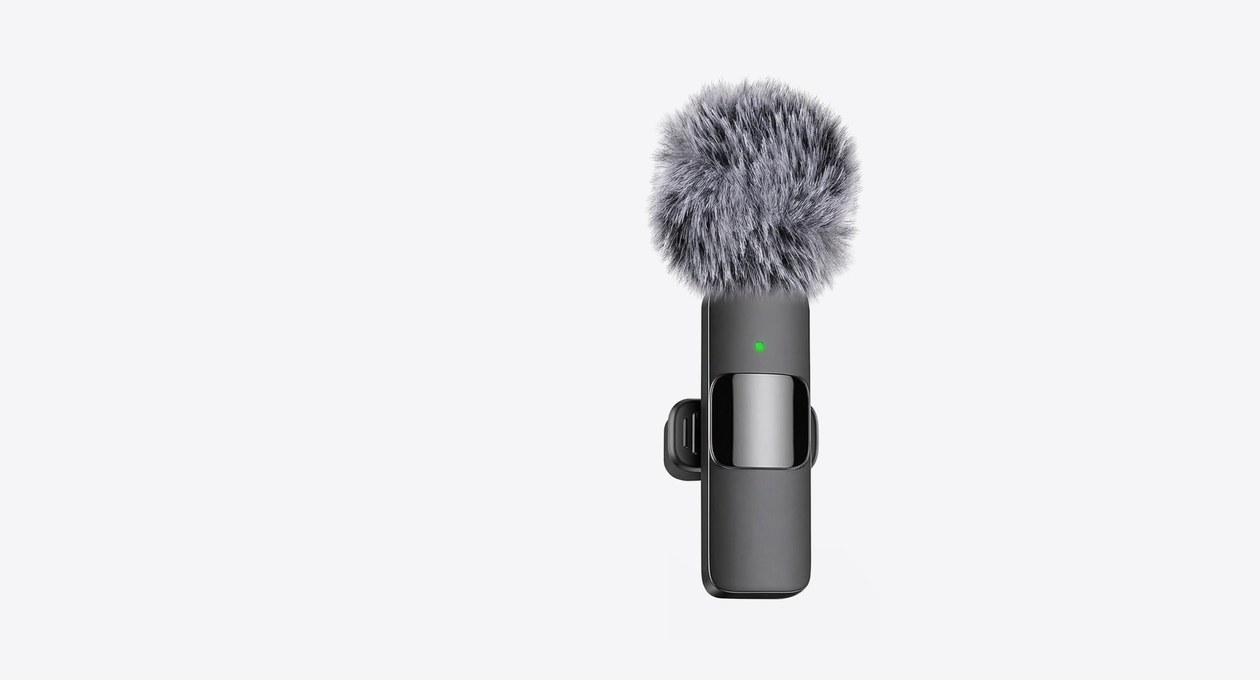
Turn on your mic
Hold the power button on the back until the light turns solid green. Flashing colours? Check the receiver and try again.

Step 3
Start recording
Camera, Voice Memos or any app. Hold the power button to turn the mic off when you’re done.


Watch how it works.
Pick the video for your kit.
Dual Pros
The regular kit, no case.
With charging case
The kit with the charging case.
What the light means.
The light on the front of each mic tells you what it’s doing. Tap one to see it.
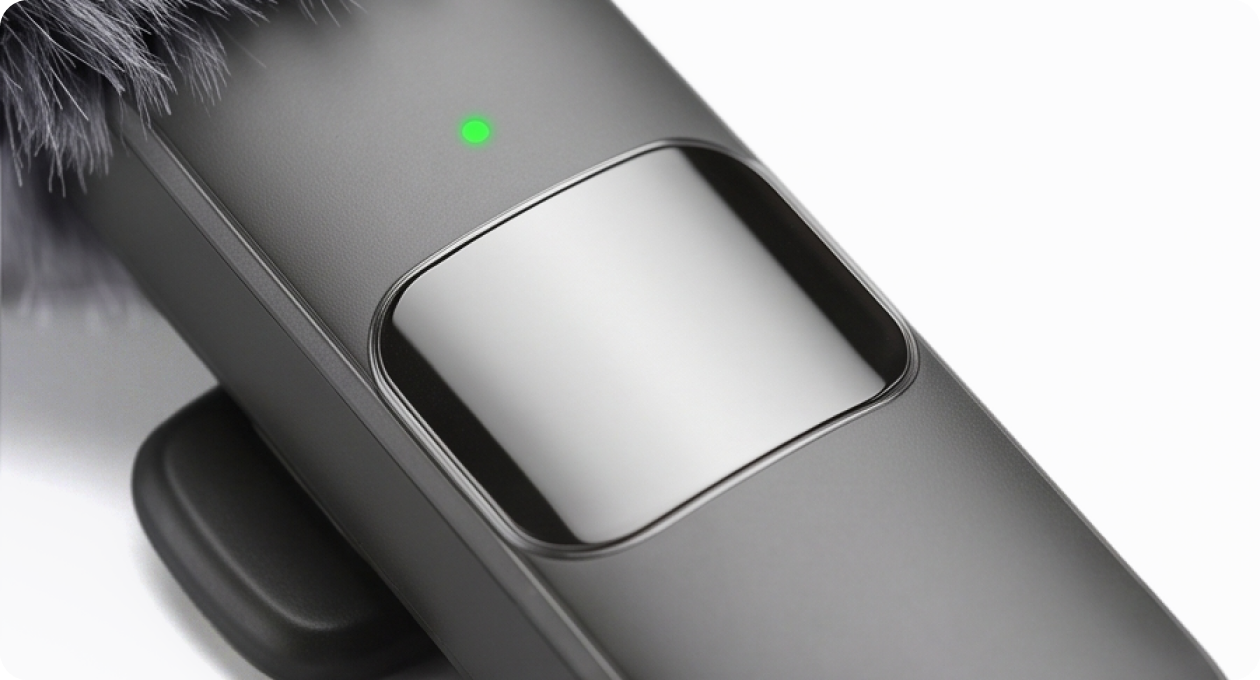
Solid green
Connected and ready to record.
Press record in your camera, Voice Memos or any app.
Charging.
Only the mics charge. The side port on the receiver is for charging your phone while you record.
Red while charging
Plug the mic into a USB power source with the included cable. The light turns off when it’s fully charged.
2–3 hours
for a full charge.
What’s in the box.
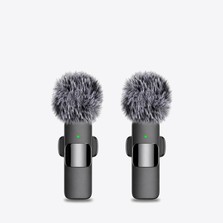
2 wireless mics with clips and windshields
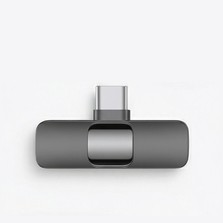
1 USB-C receiver
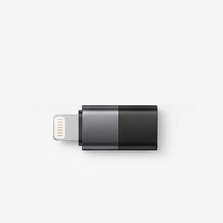
1 Lightning adapter (older iPhones & iPads)
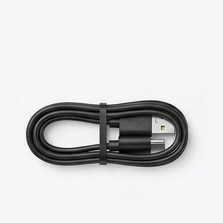
1 charging cable
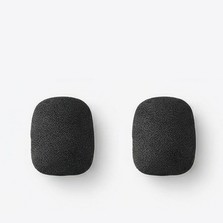
2 foam covers


Windshield
Cuts background and wind noise. Best outdoors.
Foam cover
Light noise protection. Best indoors.
Clip
Holds the mic on your clothing for the best pickup.
Not recording? Check the connection.
Make sure the light is solid green first.
iPhone & Android
- Android: turn on OTG in Settings > Additional Settings.
- Open Camera or Voice Memos (iPhone), or Recorder (Android).
- Record a short clip and play it back.
Mac & Windows
- Plug the receiver into a USB-C port.
- In your sound settings, choose “USB Audio 1.0” as the input.
- Open Voice Memos (Mac), Sound Recorder (Windows) or any recording app, record a short clip and play it back.
12-month warranty
Something stopped working? We’ll make it right.
Returns
Bought on minimicpro.com? Ask within 30 days of delivery. Other stores handle their own returns.
Free replacement parts
Lost a clip, foam cover or adapter? Parts are free; you only pay shipping.
Still stuck?
Tell us what’s happening. A real person replies by email within 72 hours.